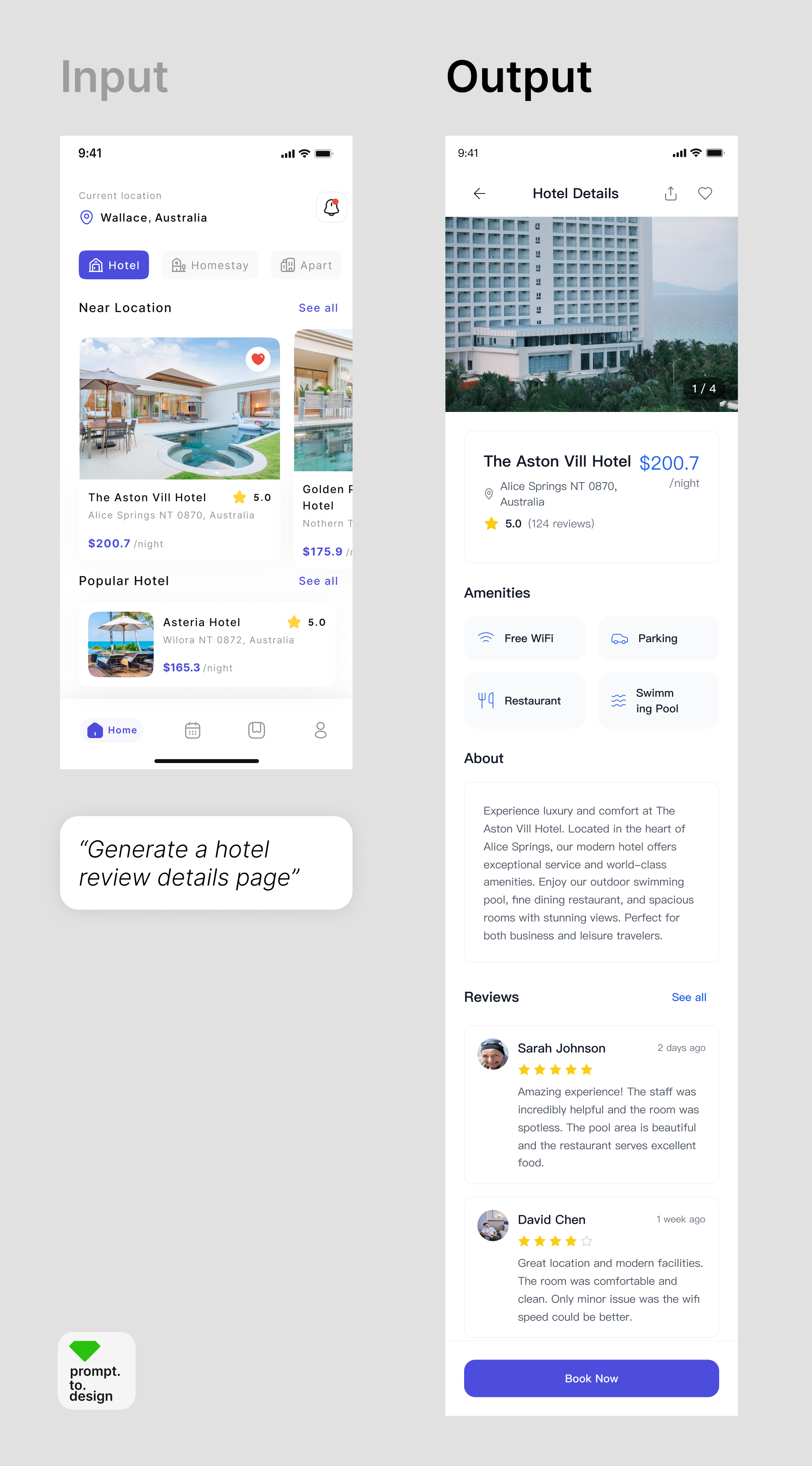
Scenario
Teams often design pages separately, leading to inconsistent colors, typography, and spacing across the product.Challenge
Ensuring alignment manually is time-consuming and error-prone.How prompt.to.design helps
- Open the plugin in Figma and select the Style Transfer feature
- Choose a finalized design Frame as your reference
- Enter your prompt, select device size, and click Generate
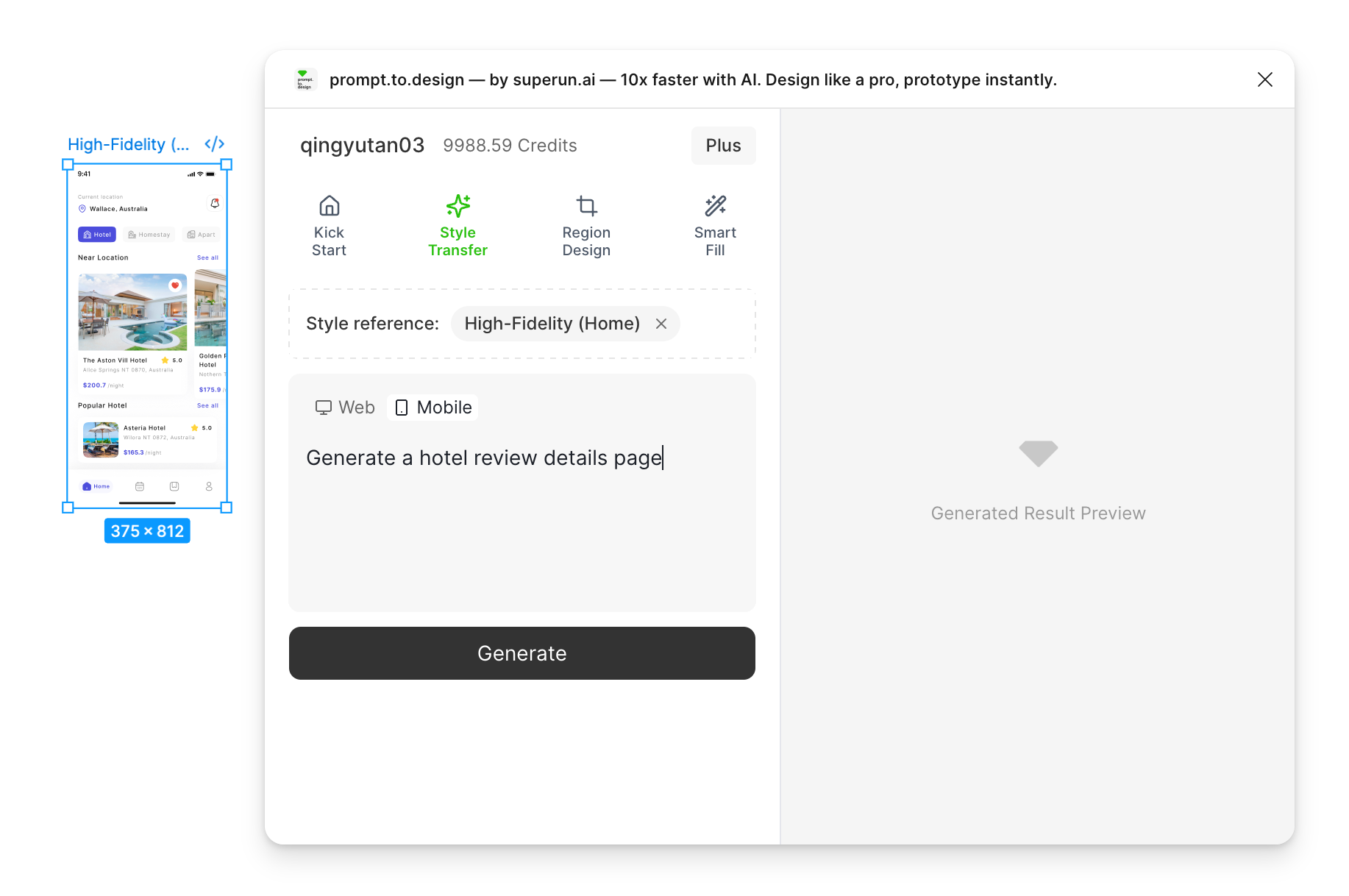
- Generation begins. The right panel will show the AI’s analysis of the reference style and your prompt.

- Review the result, refine the output, or Import to Figma.
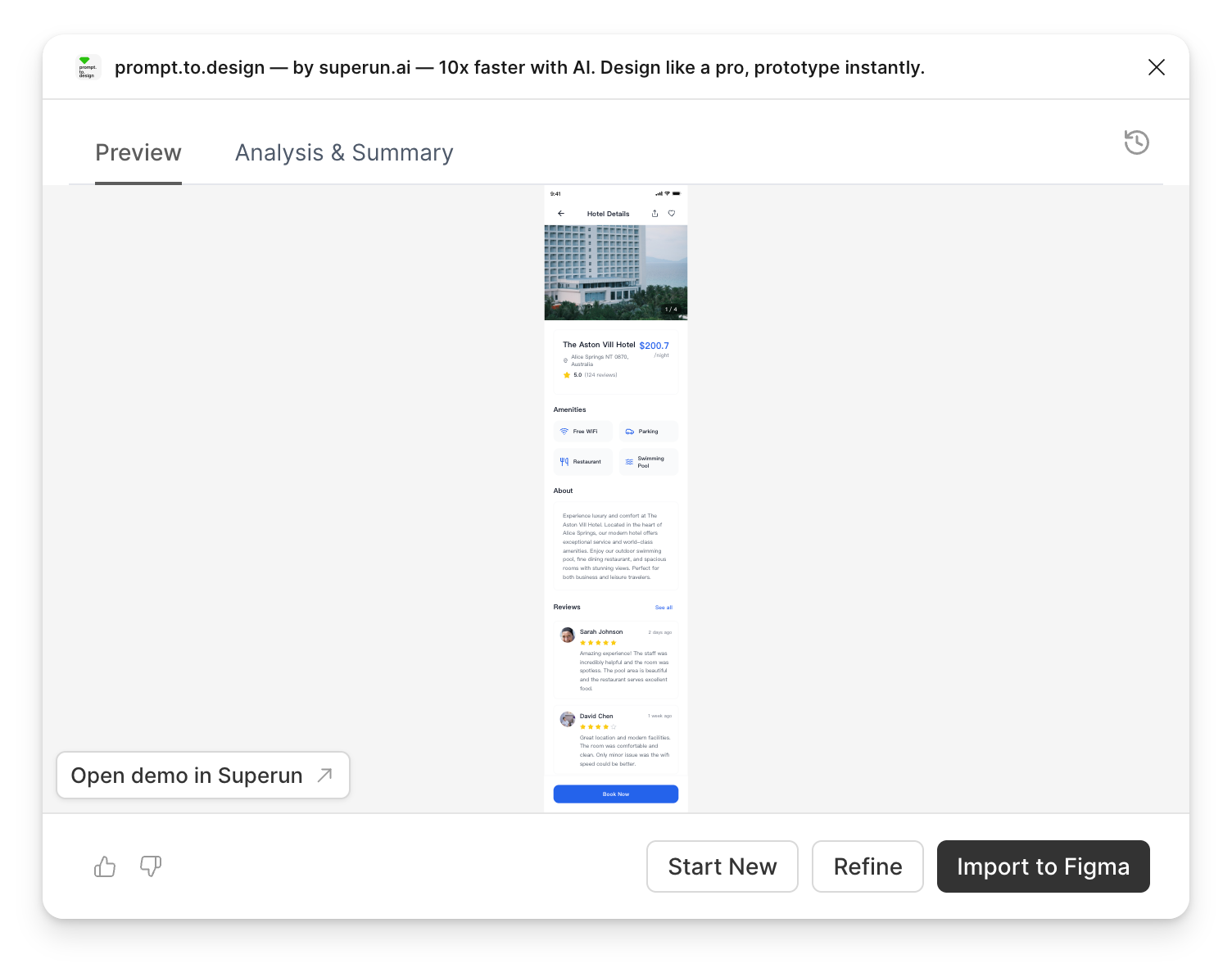
✔ The output matches the reference style visually and is fully editable