

Step-by-step: How Frame Redesign works
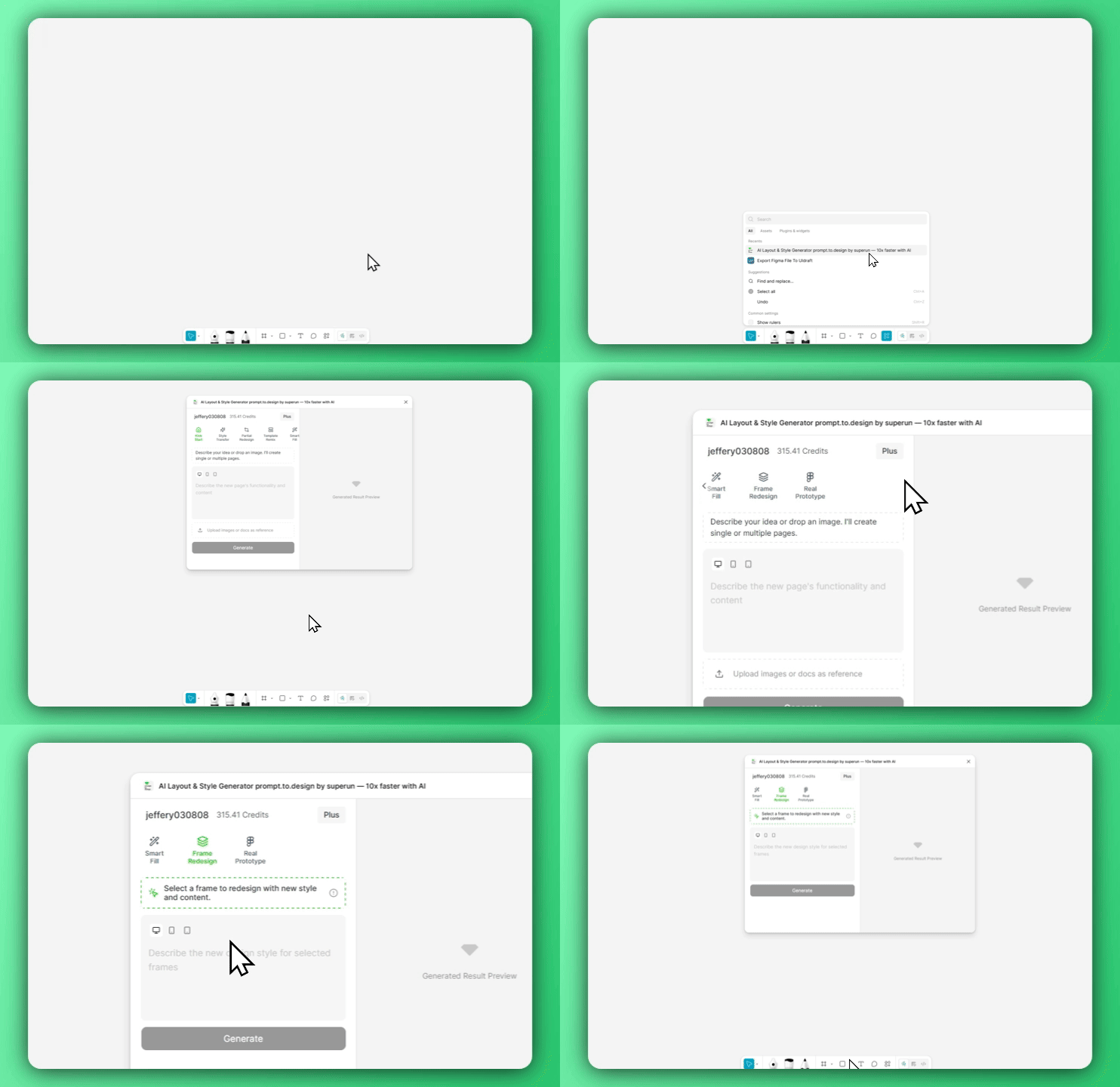
1. Open Prompt.to.design and navigate to Frame Redesign
2. Select a frame and describe your new style
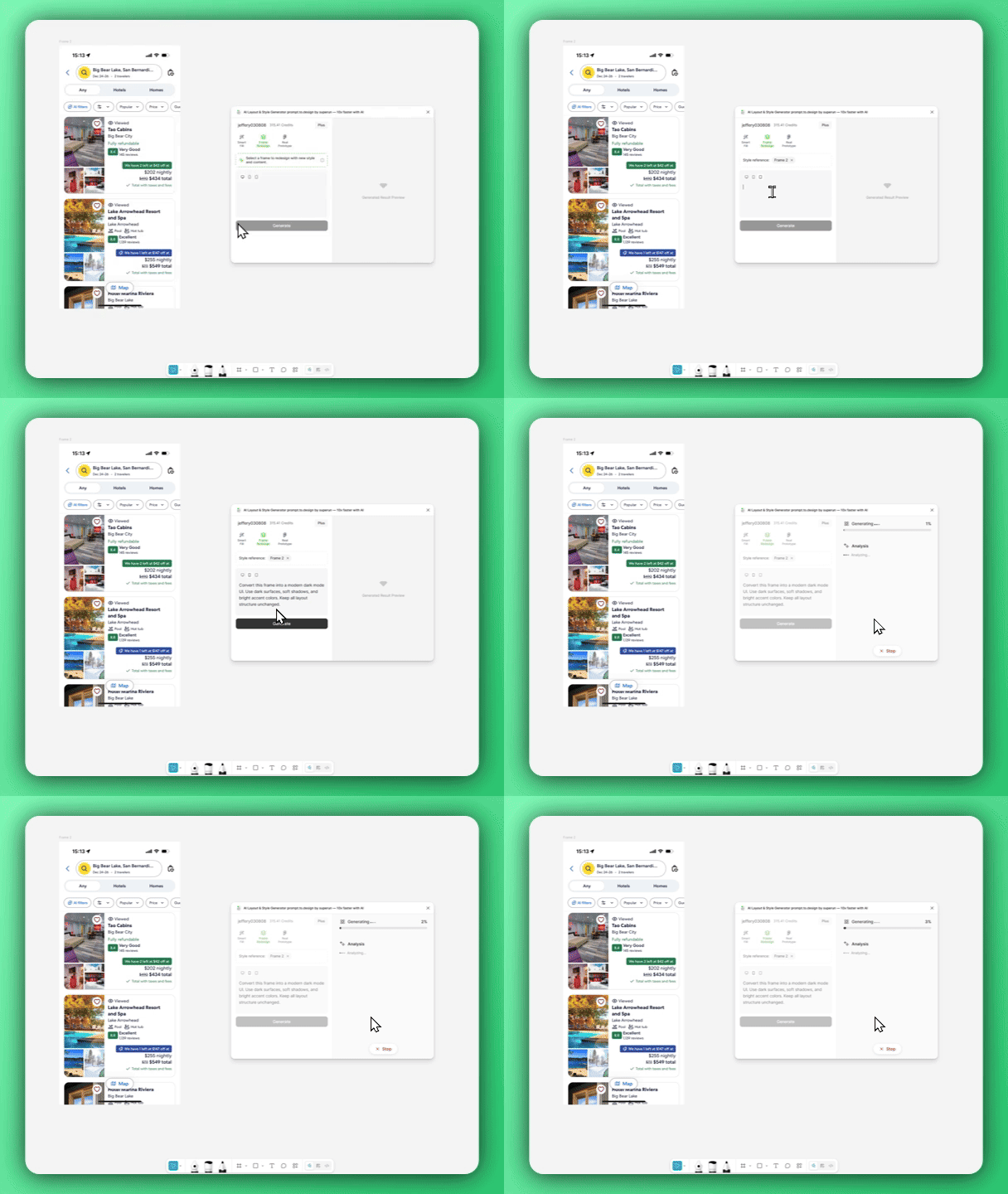
Convert this screen to a clean, minimalist white style.Turn this into a dark mode music app UI with neon accents.Restyle this frame to match an iOS 17 flat, pastel look.
3. Generate, import, and compare the result
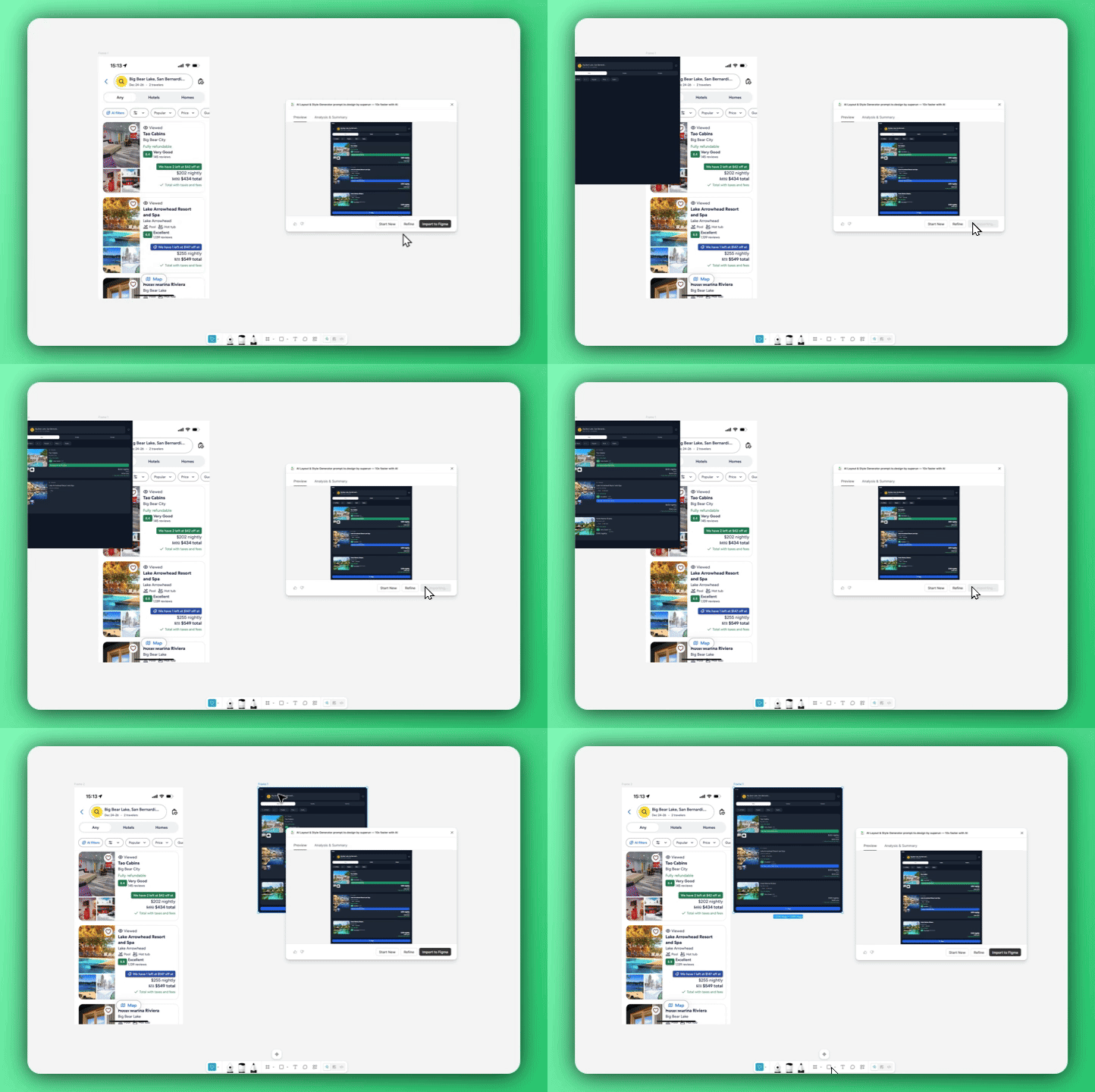
Frame Redesign keeps your layout intact while refreshing the entire visual language — making style experiments fast, controlled, and fun.