

Step-by-step: How Real Prototype works
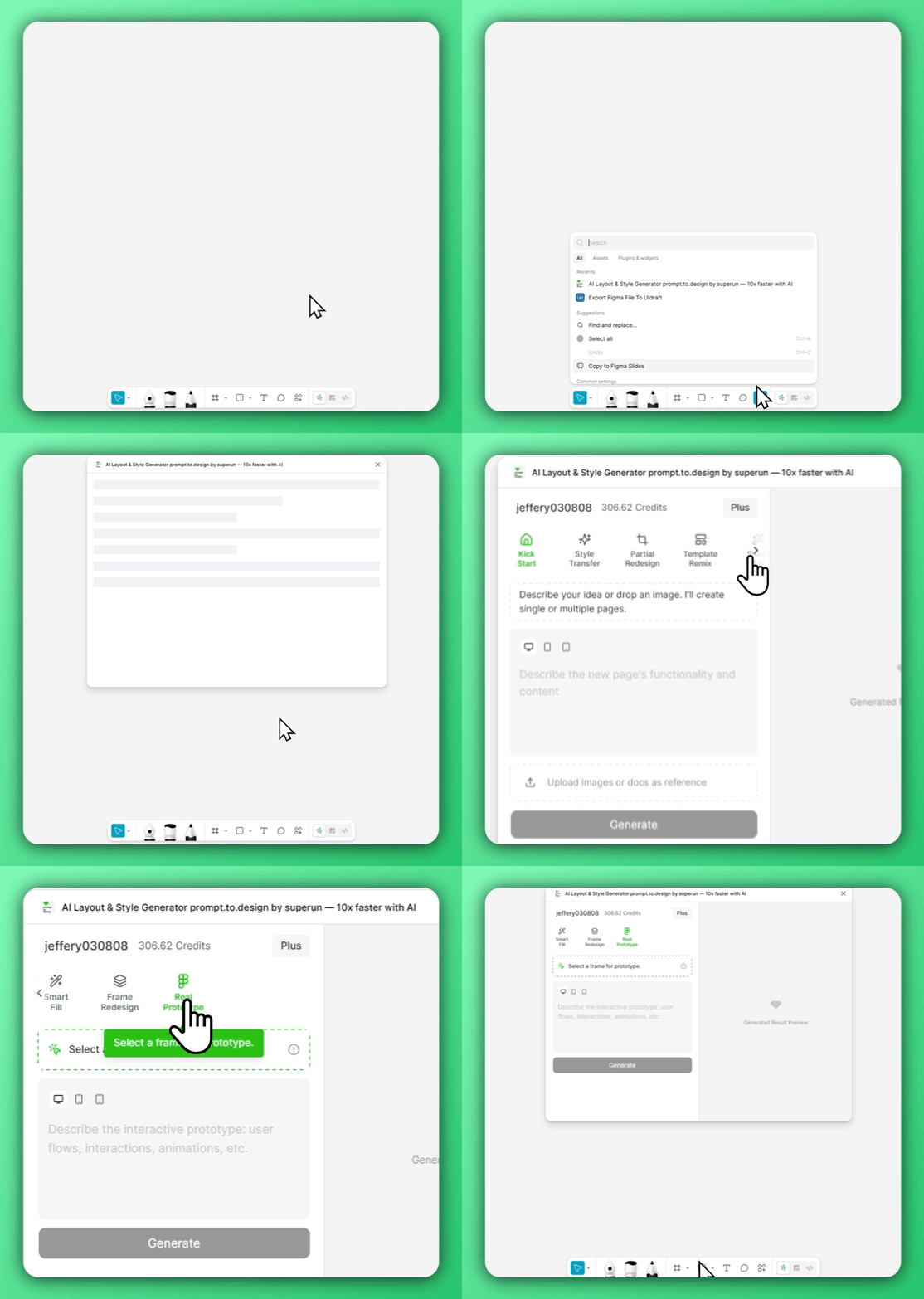
1. Open Real Prototype in the plugin
2. Select a frame and describe the user flow
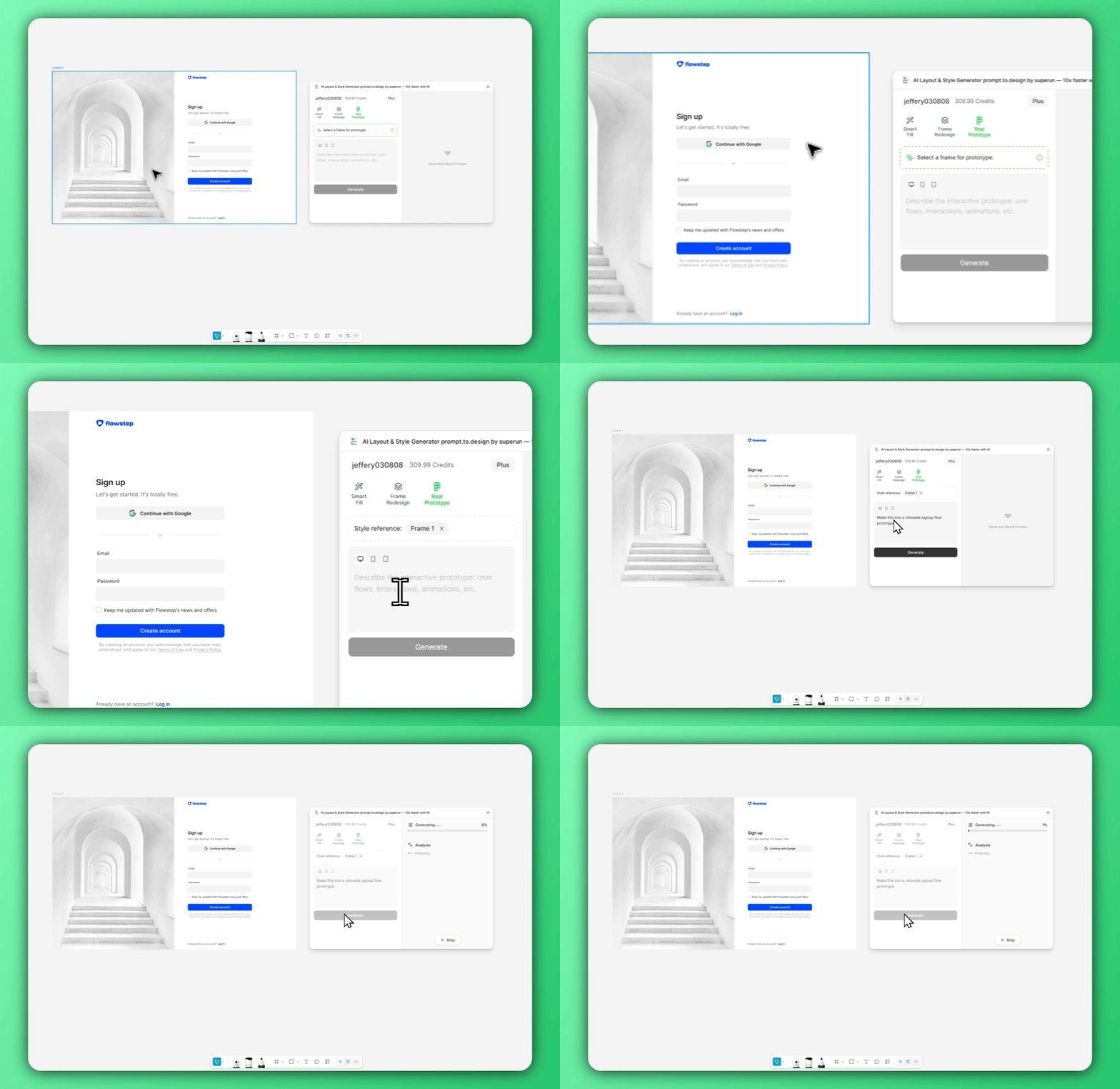
Make this into a clickable signup flow prototype.
superun analyzes the visual layout inside your frame and prepares to convert it into structured UI elements that can be interacted with.
3. Generate, import, and experiment with the interactive prototype
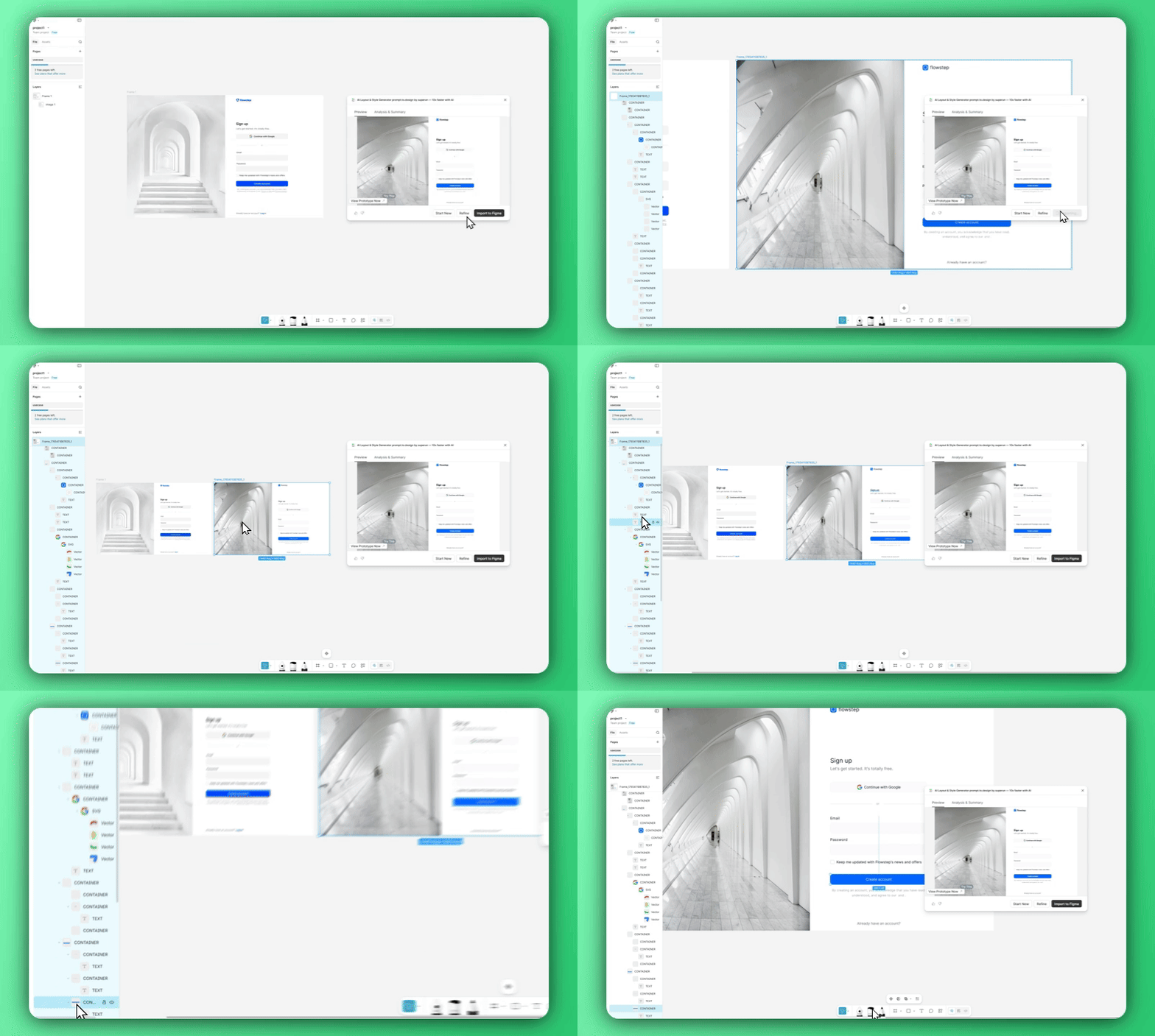
superun automatically:
- Splits the design into meaningful containers
- Detects buttons, inputs, and interactive regions
- Applies navigation and flow logic
- Creates a working prototype you can click through