> ## Documentation Index
> Fetch the complete documentation index at: https://docs.superun.ai/llms.txt
> Use this file to discover all available pages before exploring further.
# Expand multi-page flows quickly
## Scenario
You need 10–20 pages for a complete user flow.
## Challenge
Designing each page manually drastically slows the project.
## How prompt.to.design helps
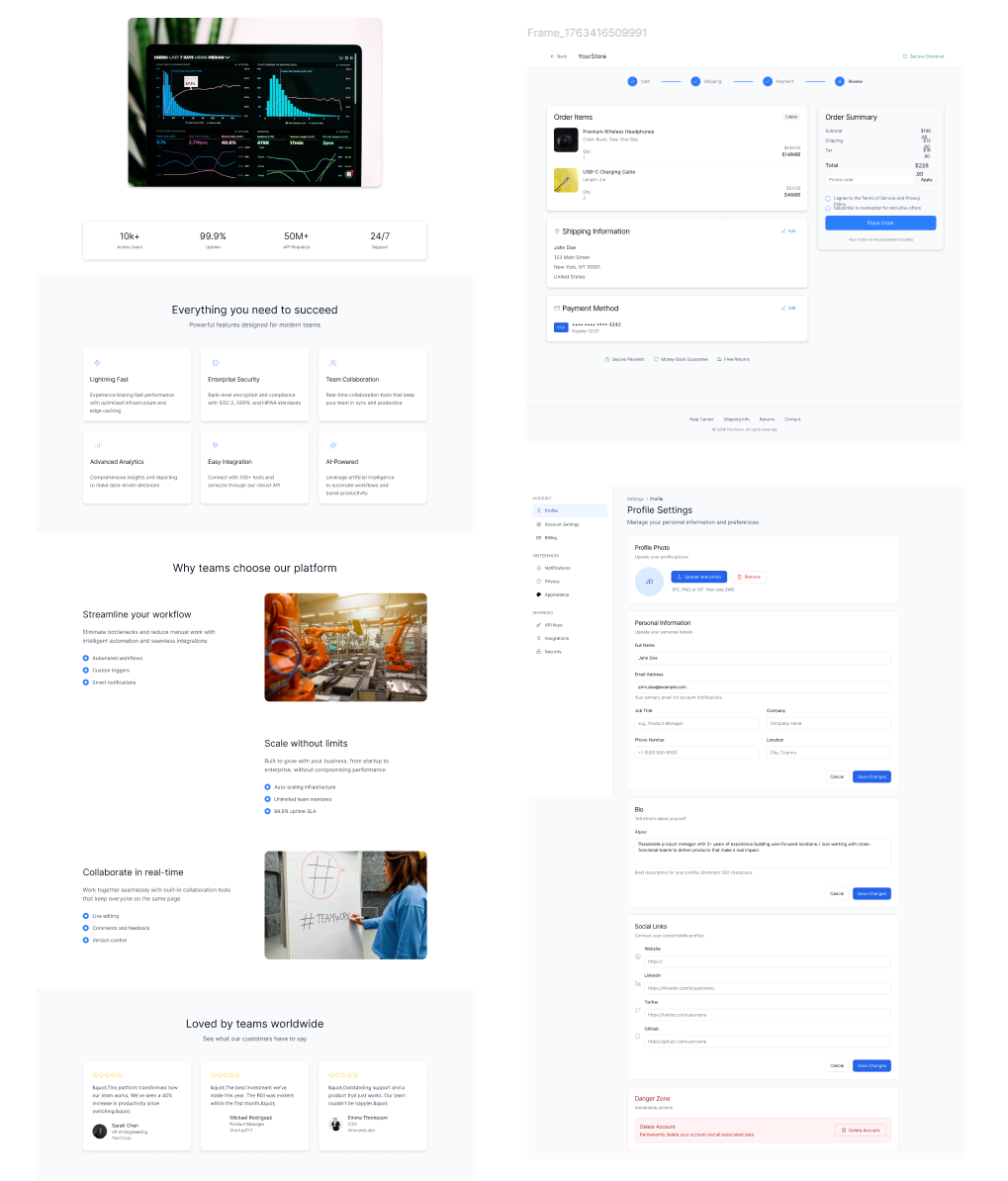
* Use one well-designed page as a reference
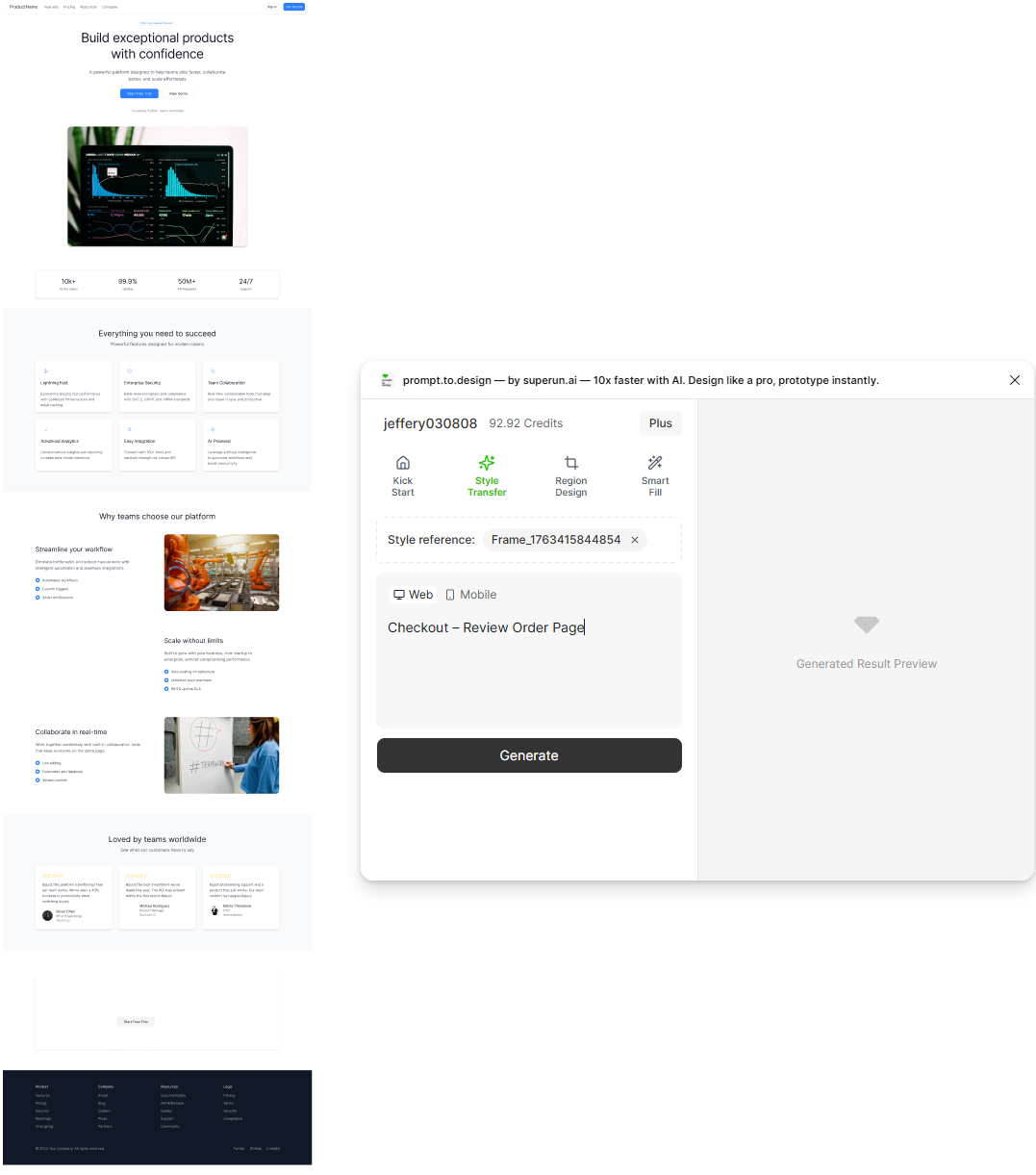
* Enter your first prompt to generate Page A
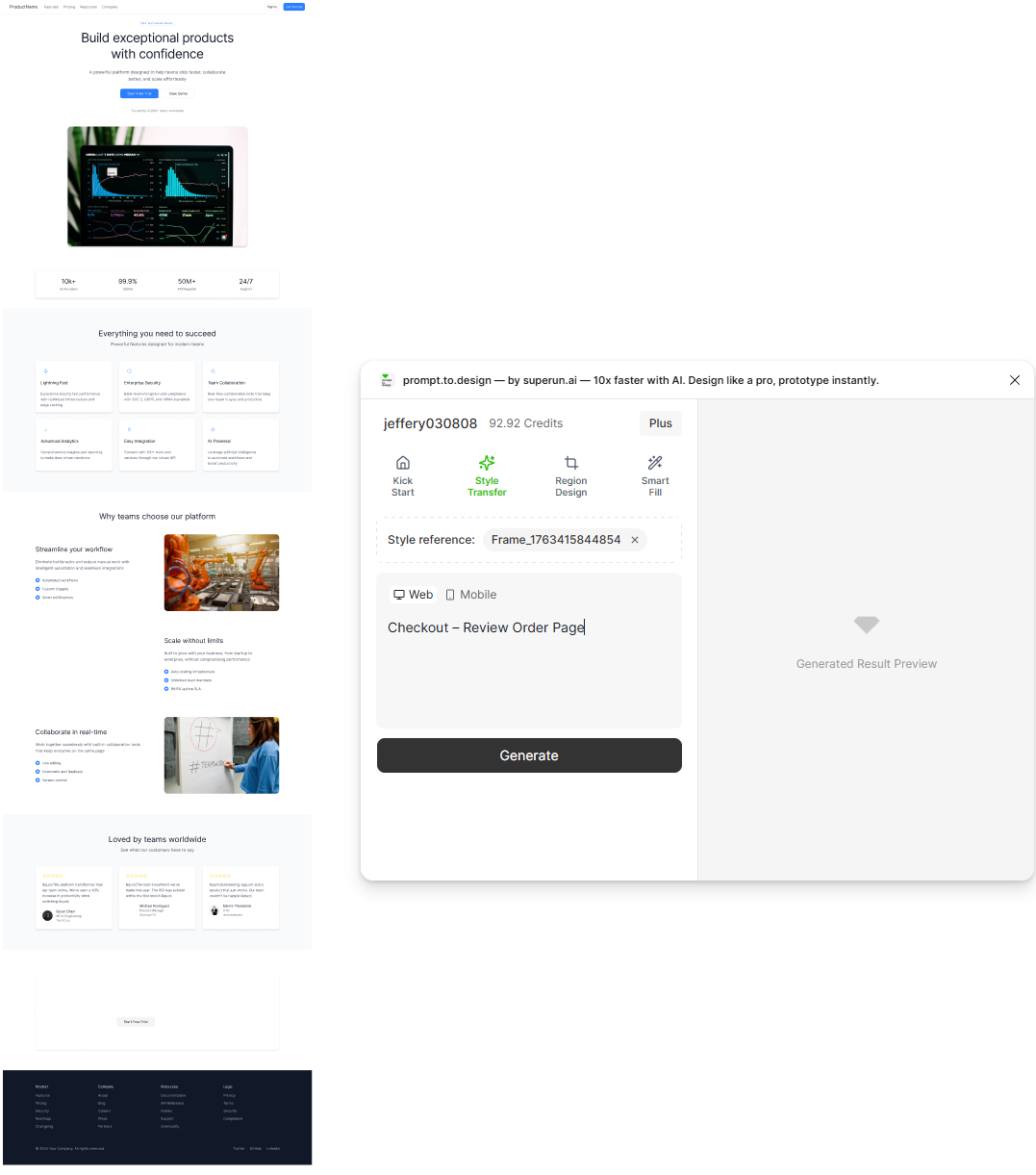
* Then enter your second prompt to generate Page B
* Both pages inherit the same layout system and visual style
### First prompt (Page A)
 ### Second prompt (Page B)
 * When both pages are generated, you can combine them to expand your multi-page flow quickly.
***
## ✔ Build an entire product flow in minutes, with consistent layout and style
* When both pages are generated, you can combine them to expand your multi-page flow quickly.
***
## ✔ Build an entire product flow in minutes, with consistent layout and style