> ## Documentation Index
> Fetch the complete documentation index at: https://docs.superun.ai/llms.txt
> Use this file to discover all available pages before exploring further.
# Welcome
> Introduction to the AI-powered design assistant for Figma.
# Welcome to Prompt.to.design
Prompt.to.design is an **AI-powered assistant** for Figma that helps designers create, modify, and optimize user interface layouts using natural language.
It understands your design language, adapts to your existing style system, and produces consistent, editable results directly within **Figma**.
 ## Overview
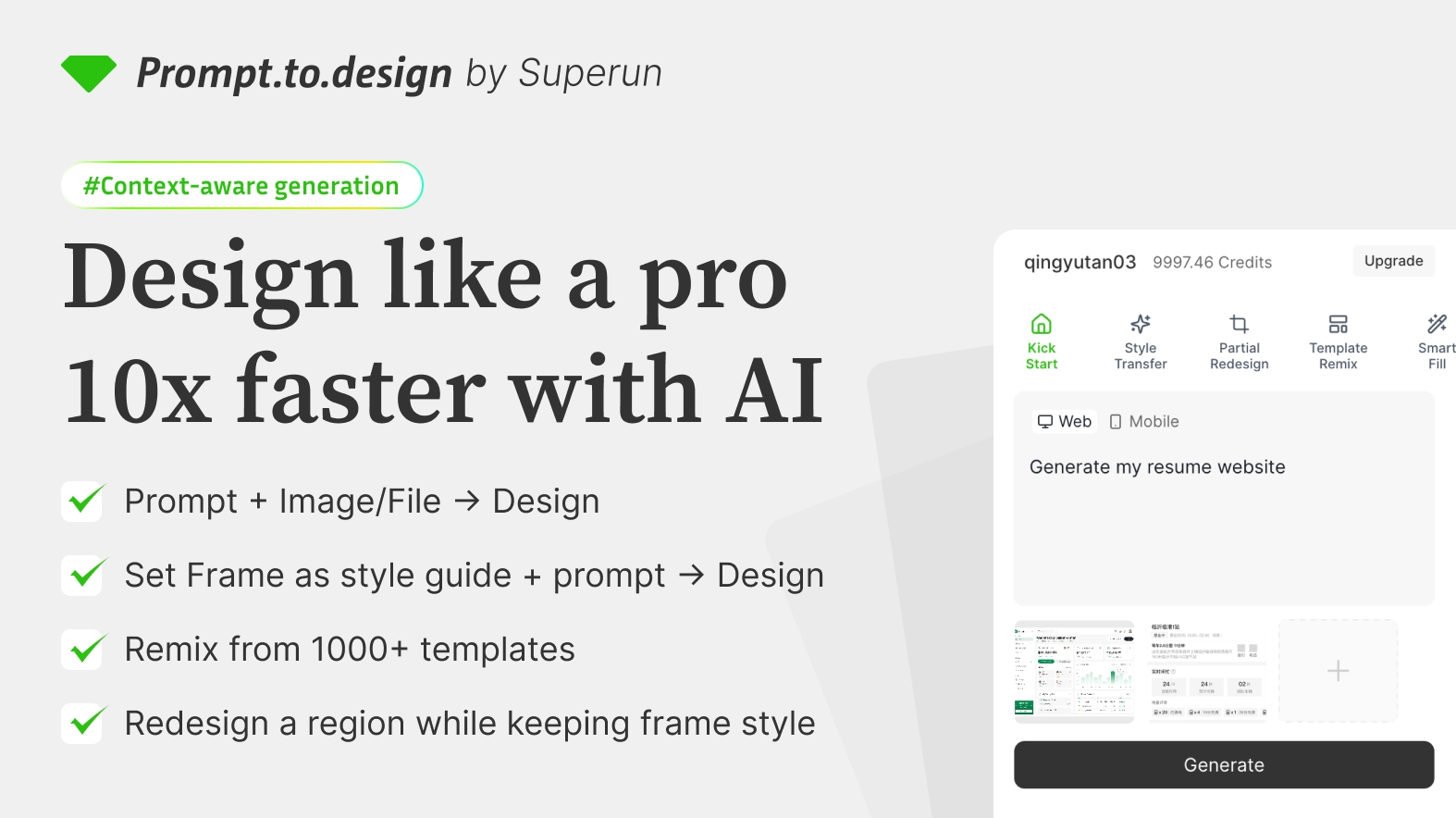
The plugin enhances the design workflow by **automating layout generation, style adaptation, template remixing, frame redesign, and content filling** — all directly inside Figma..
Whether you're creating a landing page, dashboard, or full design system, Prompt.to.design helps you move from idea to visual output within seconds — while keeping you fully in control.
## Key Features
* Generate layouts from text descriptions
* Apply styles from selected frames
* Modify specific areas intelligently
* Fill blank spaces with AI-generated content
* Remix templates from a 1000+ library
* Redesign single frames with visual restyling
* Turn layouts into real prototypes
## Who It is For
Prompt.to.design is designed for **individual designers, teams, and creative professionals** who want to accelerate the design process while keeping precision and style alignment.
## Overview
The plugin enhances the design workflow by **automating layout generation, style adaptation, template remixing, frame redesign, and content filling** — all directly inside Figma..
Whether you're creating a landing page, dashboard, or full design system, Prompt.to.design helps you move from idea to visual output within seconds — while keeping you fully in control.
## Key Features
* Generate layouts from text descriptions
* Apply styles from selected frames
* Modify specific areas intelligently
* Fill blank spaces with AI-generated content
* Remix templates from a 1000+ library
* Redesign single frames with visual restyling
* Turn layouts into real prototypes
## Who It is For
Prompt.to.design is designed for **individual designers, teams, and creative professionals** who want to accelerate the design process while keeping precision and style alignment.